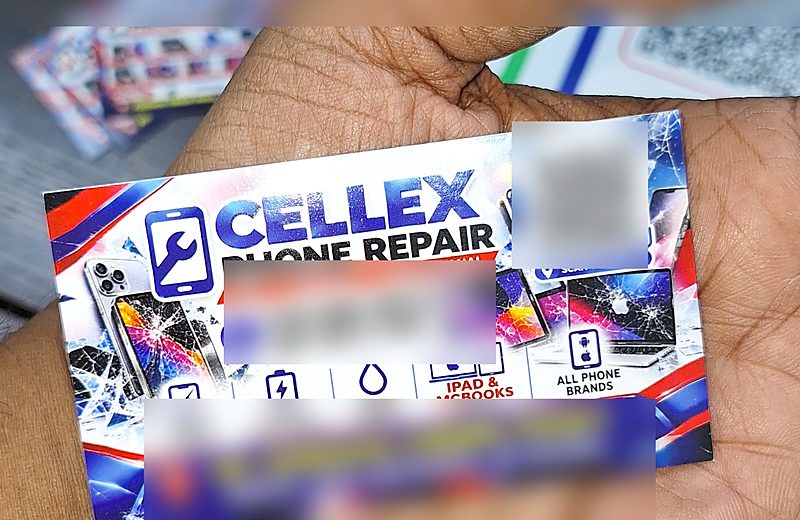
A business card has one job: make it easy for someone to remember you and contact you later. Most cards fail because they try to say too much. Here is the checklist our designers use for every card we make.
1. Lead with your name and what you do
Your name, or your business name, should be the biggest text on the card. Right under it, say what you do in plain words: "Licensed Electrician", "Tax Preparation", "Halal Catering". Nobody should have to guess.
2. Give one main way to reach you
Pick the contact method you actually answer, usually your cell phone, and make it the second most visible line. Add email and website in smaller text. Five phone numbers and three social handles look busy and get ignored.
3. Keep text at 8 points or larger
Tiny text looks elegant on a screen and impossible to read in a wallet. Keep body text at 8 pt or bigger and your phone number at 10 pt or bigger.
4. Leave a safe margin
Keep all text at least 1/8 inch (about 3 mm) away from the edge. Cutting machines move slightly, and text too close to the edge can get trimmed.
5. Use two fonts at most
One bold font for your name, one clean font for everything else. More fonts make a card look unprofessional.
6. Use your brand colors, with strong contrast
Dark text on a light background, or white text on a dark background. Light gray on white and red on green are hard to read, especially in dim light.
7. Use the back side
A two-sided card costs a little more (at NY Print, 100 cards are $30 one side and $45 both sides) and gives you room for a list of services, a QR code to your menu or reviews, or an appointment line.
8. Add a QR code only if it goes somewhere useful
A QR code should open your menu, booking page or Google reviews, not just your home page. Test it before printing.
9. Pick the right finish
Standard matte or gloss works for most businesses. If people write on your cards (appointment times, for example), choose matte or uncoated stock so a pen works.
10. Order enough
Cards only work if you hand them out. Keep some in your wallet, your car and at your counter. 100 cards is a good start; regular networkers usually move to 500 or 1,000, which cost much less per card.
Quick checklist
- Name or business name, biggest
- What you do, in plain words
- One main phone number
- Email and website
- Logo
- Text 8 pt or larger, 1/8 inch from the edge
See our business card prices for NYC.
Once you confirm your order, our designers create your design or fix your existing artwork at no extra cost, and you approve the proof before we print.
Start my order (design is free)Call / text 332-262-9699